Changelogs
Stay up to date with the latest changes and enhancements.
Stay up to date with the latest changes and enhancements.

13. Aug 2026
Share
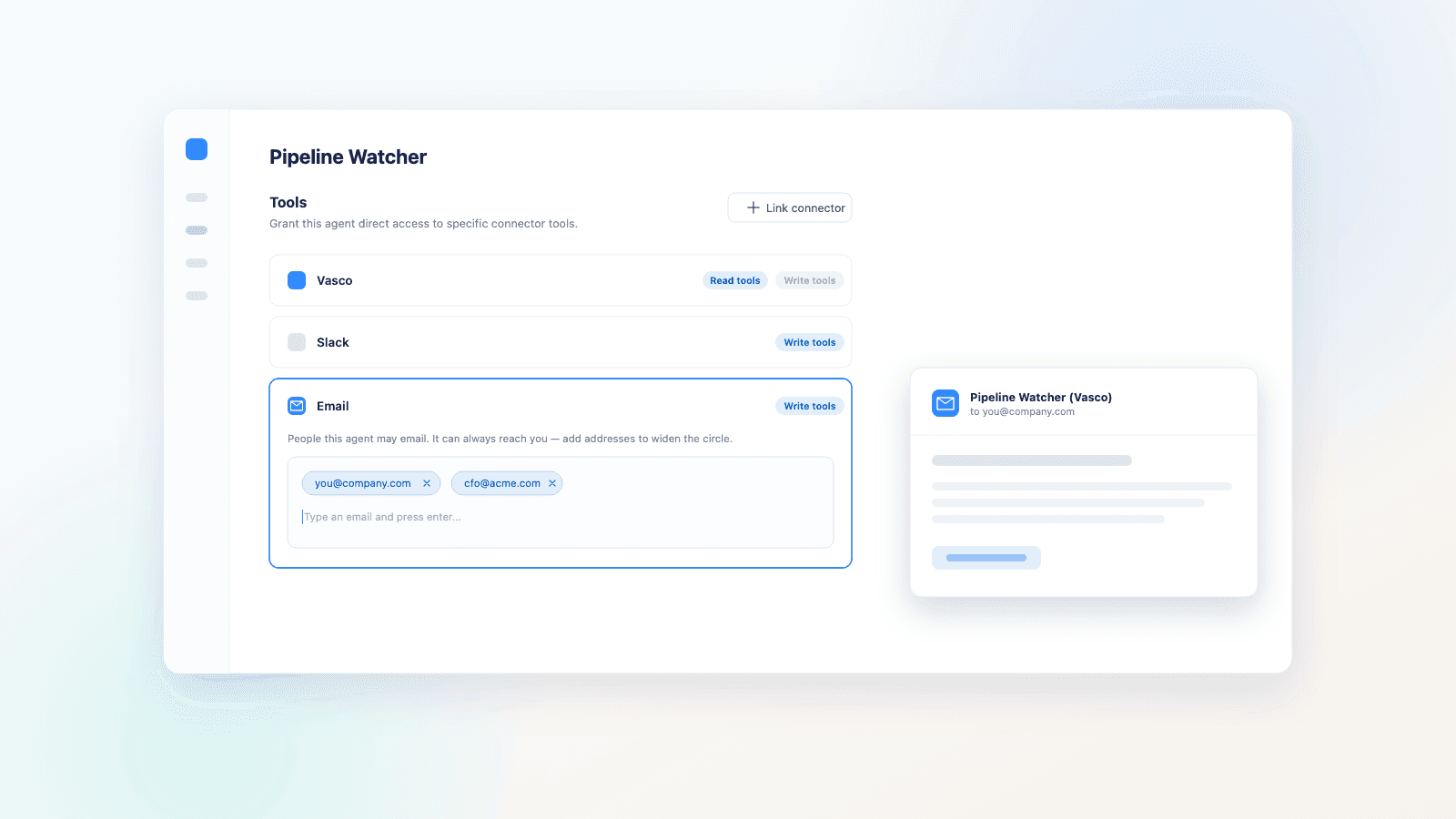
Email is a new connector you add to an agent, one agent at a time, the same way Slack works. Once it's on, that agent can send email — in the middle of a chat ("email me a summary of this") or as the output of a scheduled task.
There is nothing to connect: no Gmail or Outlook account to authorise, no mailbox permissions, no IT ticket. Vasco sends on the agent's behalf. And it only sends — the agent has no access to anyone's inbox.
Agents could previously only deliver to Slack. That left out the reader who doesn't live in Slack — a VP who works from their inbox, a board member, an advisor, a finance contact outside the workspace — and it left out the case where a result should sit somewhere it won't scroll past.
Add the connector. Open the agent, go to its tools, and add Email. That is the whole setup.
Say who it may write to. Add addresses on the Email row. Edits save as you type. Changing the list belongs to the agent's creator and to admins.
Ask for one. In a chat, ask in plain words. In a scheduled task, name the destination in the instructions — type @ to pick an allowed address, # to pick a Slack channel.
Two recipients need no configuration at all. An agent can always email its owner, and in a chat it can always email the person talking to it — so "email that to me" works on a shared agent even with an empty recipient list.
No inbox access. Sending is the only capability. It cannot read, search or triage anyone's mail.
No attachments. For anything long the agent sends a link back into Vasco rather than pasting it into the body.
Not an outreach tool. One message at a time, only to allow-listed addresses. Prospecting sequences and customer campaigns are out of scope by design.
Replies go nowhere. These come from a no-reply address, so treat it as a notification rather than a conversation.